This HUANUO FlowLift single monitor arm review looks at a mount for compatible screens that offers flexible positioning and two desk-mounting options.
FlowLift Single Monitor Review Summary
The quick verdict
16,000+ ratings
Read Amazon ReviewsHUANUO FlowLift Single Monitor Mount
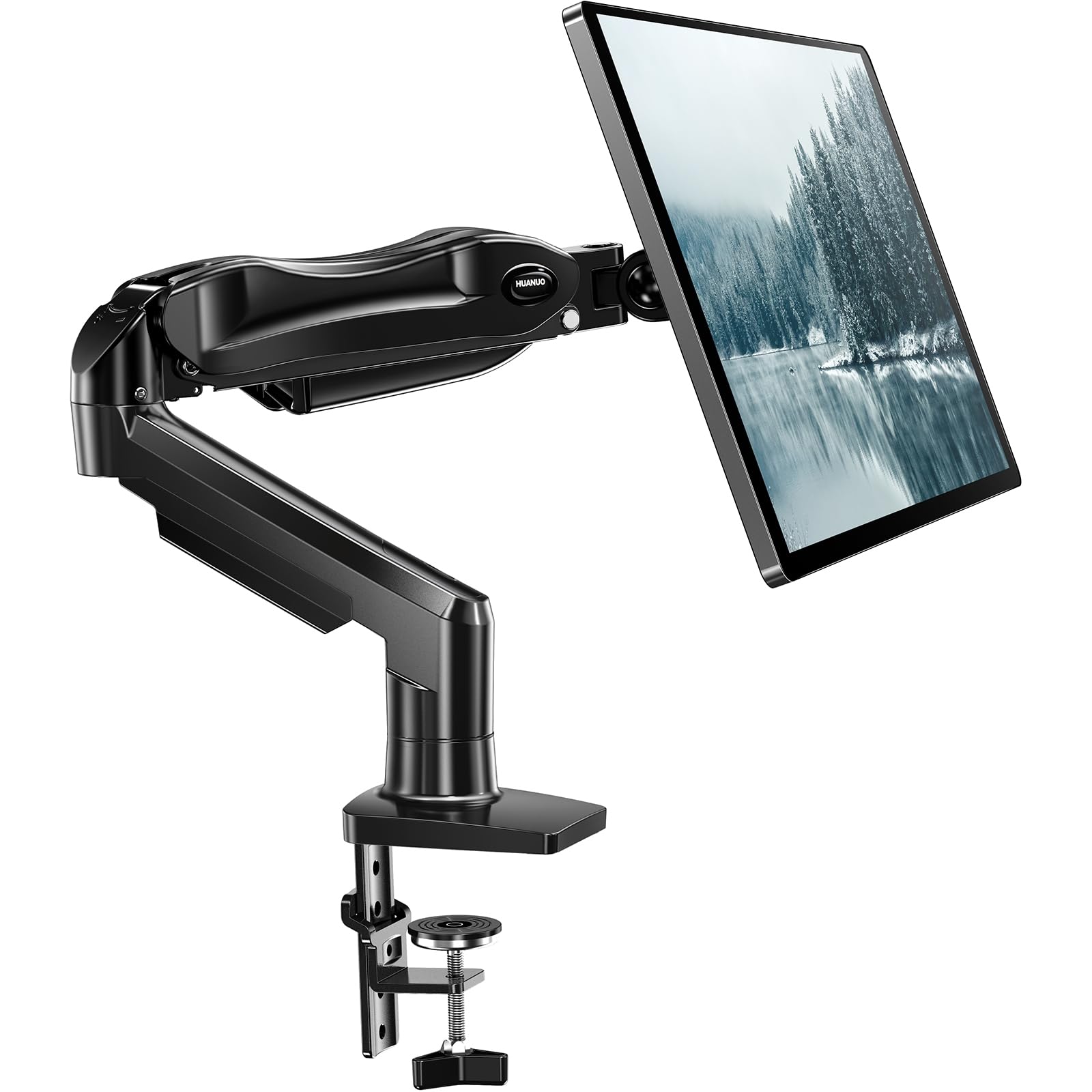
A flexible single-screen mount for buyers who want broad positioning options and either clamp or grommet installation.
- Fits monitors measuring 13–32 inches and weighing 4.4–19.8 pounds, with 75 × 75 mm or 100 × 100 mm VESA patterns.
- Offers tilt from −50° to +85°, ±90° swivel and 360° rotation.
- Raises the screen up to 39.6 cm from the desktop with one hand.
- Supports either C-clamp or grommet mounting.

Pros
- Accommodates a broad range of monitor sizes and weights when VESA and desk requirements also match.
- Multiple movement adjustments make it easier to change screen angle and orientation.
Consider before buying
- Monitor compatibility depends on matching the stated size, weight and VESA limits.
- Desk beams or panels beneath the mounting area may interfere with installation, and tabletop thickness should be checked.
Read the full review summary
The FlowLift is worth considering if your monitor falls within its 13-to-32-inch size and 4.4-to-19.8-pound weight ranges and has a compatible VESA pattern. Its C-clamp or grommet mounting choices offer flexibility for desks that meet the installation requirements.
Its broad tilt, swivel and rotation adjustments, plus one-hand height positioning, suit a desk where you regularly change screen placement.
The desk and monitor still need to meet the stated fit constraints, so check both before choosing this arm.
The buying factors
FlowLift Single Monitor Scorecard
Editorial scores reflect listed features and buyer fit; they are not laboratory measurements or customer ratings.
Monitor compatibility
The arm covers a useful screen-size and weight range and supports two common VESA patterns, though all fit conditions must align.
Positioning range
Tilt, swivel, rotation and one-hand height movement provide several ways to set screen position.
Mounting flexibility
A C-clamp and grommet base give buyers two installation approaches, subject to desk suitability.
Setup simplicity
The one-piece design and included hardware are intended to simplify installation, with setup described as taking three minutes.
Stability support
The arm is designed to remain stable at different angles, and its tension can be adjusted to the monitor's weight.
Desk fit requirements
Buyers need to check tabletop thickness and underside clearance, which narrows the range of suitable desks.
Key Features and Specifications of FlowLift Single Monitor
- Fits monitors measuring 13–32 inches and weighing 4.4–19.8 pounds, with 75 × 75 mm or 100 × 100 mm VESA patterns.
- Offers tilt from −50° to +85°, ±90° swivel and 360° rotation.
- Raises the screen up to 39.6 cm from the desktop with one hand.
- Supports either C-clamp or grommet mounting.
- Uses a one-piece design with the installation hardware included.
- The recommended tabletop thickness is 0.59–3.54 inches; clearance beneath the tabletop also matters.
Pros and Cons of FlowLift Single Monitor
Pros
- Accommodates a broad range of monitor sizes and weights when VESA and desk requirements also match.
- Multiple movement adjustments make it easier to change screen angle and orientation.
- Offers a choice of C-clamp or grommet mounting.
- One-piece construction and included hardware are intended to make setup straightforward.
Consider before buying
- Monitor compatibility depends on matching the stated size, weight and VESA limits.
- Desk beams or panels beneath the mounting area may interfere with installation, and tabletop thickness should be checked.
- The ergonomic benefit depends on the arm fitting your desk and being adjusted to a useful viewing position.
Who Should Buy FlowLift Single Monitor?
Good fit
Choose the FlowLift if your monitor is within its size and weight range, has a supported VESA pattern, and you want broad movement options for adjusting its position.
It also suits buyers who want a choice between clamp and grommet installation and expect to reposition the screen by hand.
Who should skip it
Look elsewhere if you need to mount two monitors on one stand; this is a single-monitor arm.
Skip it if your monitor falls outside the supported weight, screen-size or VESA limits, or if your desk cannot accommodate either mounting method.
FlowLift Single Monitor: Fit, Movement and Desk Setup
Confirm monitor compatibility
Start with screen size and weight, then check that the monitor has one of the supported VESA patterns. A mismatch in any of these can rule out the arm before desk installation enters the picture.
Plan the mounting point
The clamp and grommet options give flexibility, but the tabletop still needs suitable thickness and an underside clear of interfering beams or panels. Measure the mounting area and inspect beneath it before buying.
Use the movement range thoughtfully
Tilt, swivel and rotation let you change the screen's angle and orientation, while one-hand height adjustment reaches up to 39.6 cm from the desktop.
Treat that reach as a positioning range, not a promise that every desk arrangement will place the display at your ideal eye level.
Weigh setup convenience
The one-piece design and included hardware are intended to simplify assembly, and the setup is described as completable in three minutes.
If you prefer a guided, tool-free snap-in screen attachment, consider whether that installation style matters more for your setup.
Alternatives to FlowLift Single Monitor
Computer Monitor Arms alternative
4,000+ ratings
Read Amazon ReviewsHUANUO FlowLift Pro Monitor Arm
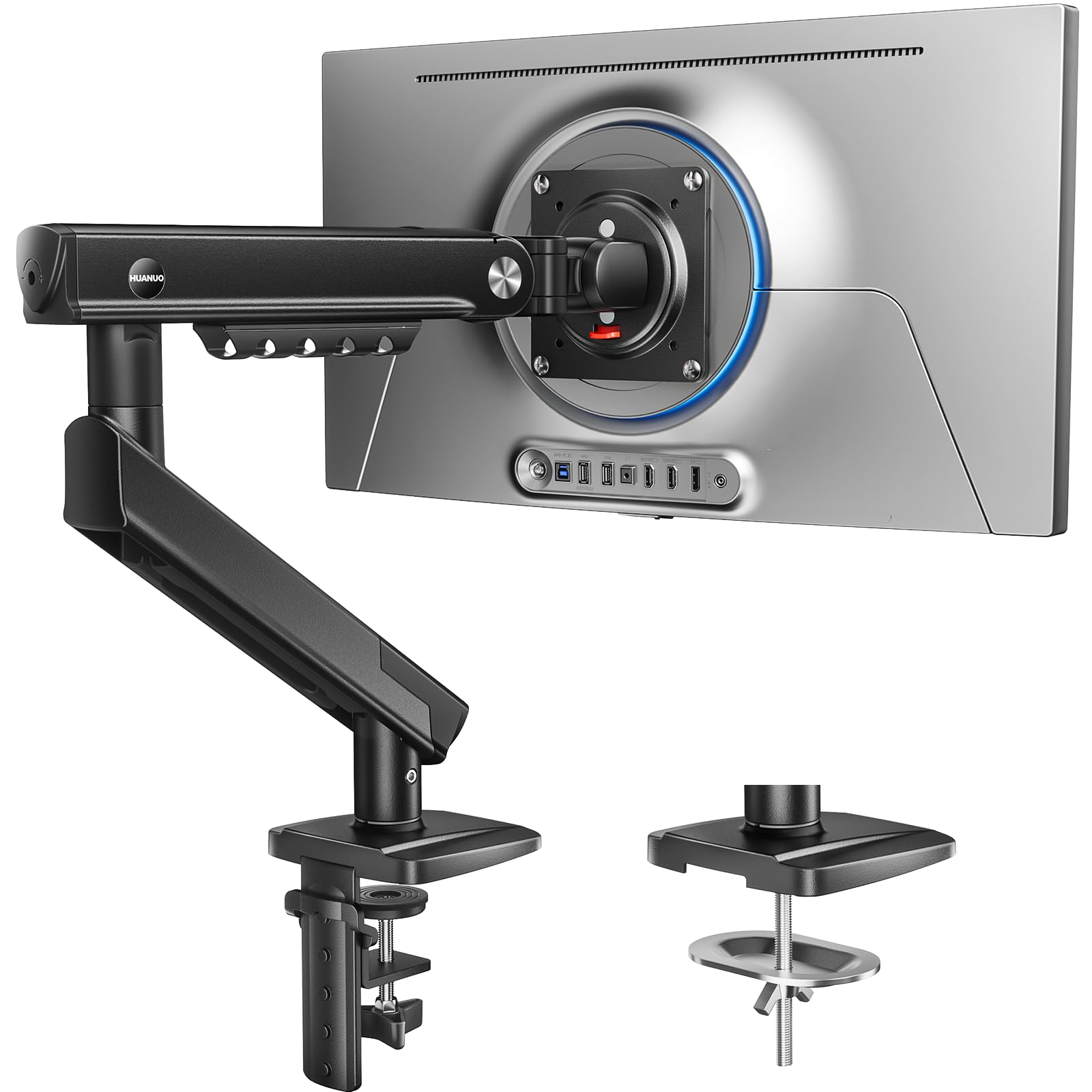
Prefer the FlowLift Pro if its tool-free VESA attachment and visible tension adjustment better suit your setup; choose the FlowLift if you want its one-hand height adjustment and included setup hardware.
- The FlowLift Pro uses a tool-free VESA plate and a visible tension-adjustment window, with compatibility for 13–32-inch screens weighing 4.4–19.8 pounds.
- The FlowLift supports 13–32-inch screens within a 4.4–19.8-pound range and includes one-hand height adjustment up to 39.6 cm from the desktop.
Computer Monitor Arms alternative
34,000+ ratings
Read Amazon ReviewsHUANUO FlowLift Dual Monitor Stand
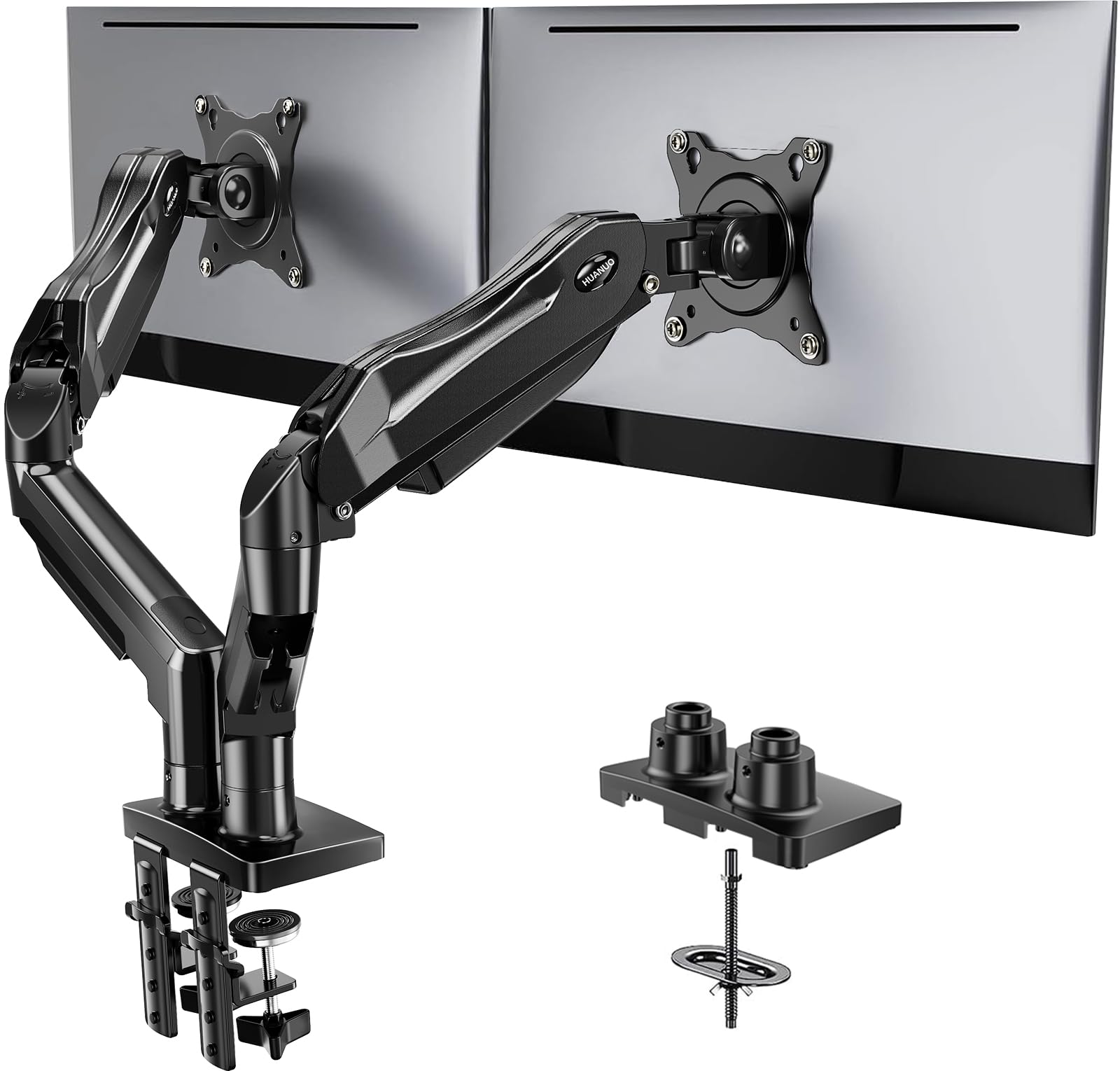
Choose the FlowLift Dual if you need a stand for two screens and want cable management; the single FlowLift is suited to one screen and offers one-hand height adjustment up to 39.6 cm.
- The FlowLift Dual holds two monitors, each weighing 4.4–19.8 pounds, and has built-in cable management.
- The FlowLift is a single-monitor mount with one-hand height adjustment up to 39.6 cm.
Is FlowLift Single Monitor Worth It?
The HUANUO FlowLift Single Monitor Mount is worth considering if your screen meets its size, weight and VESA requirements and you want a wide range of manual positioning.
Its choice of clamp or grommet mounting and one-hand height movement make it adaptable to a suitable desk.
Before buying, verify the monitor fit, tabletop thickness and underside clearance. If those checks work for your setup, the FlowLift offers a practical mix of adjustment and mounting flexibility for a single display.
Your review at a glance
16,000+ ratings
Read Amazon ReviewsHUANUO FlowLift Single Monitor Mount
A flexible single-screen mount for buyers who want broad positioning options and either clamp or grommet installation.
- Fits monitors measuring 13–32 inches and weighing 4.4–19.8 pounds, with 75 × 75 mm or 100 × 100 mm VESA patterns.
- Offers tilt from −50° to +85°, ±90° swivel and 360° rotation.
- Raises the screen up to 39.6 cm from the desktop with one hand.
- Supports either C-clamp or grommet mounting.