This Kodak Step photo printer review looks at a compact way to turn phone photos into small, peel-and-stick prints. KODAK Step suits travelers, scrapbookers, and casual creators who want printing and simple edits in one mobile setup.
KODAK Step Review Summary
The quick verdict
20,000+ ratings
Read Amazon ReviewsKODAK Step
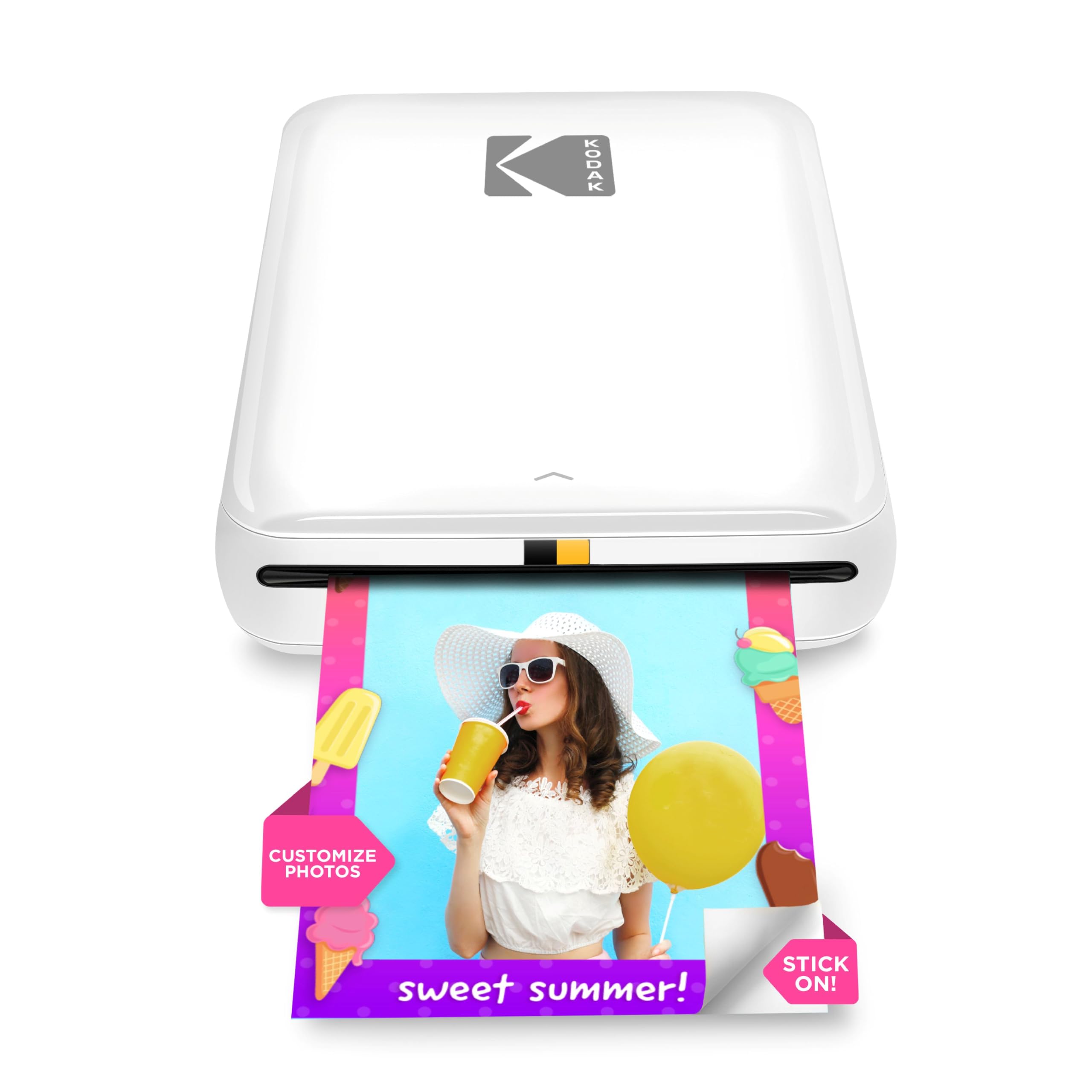
A compact phone photo printer for scrapbookers, travelers, and anyone who wants small peel-and-stick prints with app-based editing.
- Prints 2-by-3-inch ZINK photos with sticky backs for decorating or crafting.
- Pairs with iOS and Android devices through Bluetooth or NFC.
- The KODAK app offers collages, filters, borders, stickers, and text customization.
- A built-in rechargeable lithium-ion battery is specified for 25 prints per full charge.

Pros
- Adhesive-backed prints work naturally for journals, scrapbooks, and quick decorations.
- Bluetooth and NFC pairing gives compatible phone users two connection options.
Consider before buying
- The 2-by-3-inch format is small, so it is a poor fit when you want larger keepsake photos.
- A full charge is specified for 25 photos, so plan around recharging or fewer prints during longer sessions.
Read the full review summary
KODAK Step is a pocketable printer built around phone photos and adhesive-backed prints.
Bluetooth or NFC pairing, ZINK paper, and a rechargeable battery make it a practical fit for travel journals, party keepsakes, and craft projects where small prints are more useful than standard-size photos.
The app adds filters, borders, stickers, text, and collage tools before printing, giving users room to personalize pictures without a separate desktop workflow.
Its appeal is strongest for casual, immediate prints; buyers who need larger photos or extensive printing in one outing should weigh the compact format and stated print capacity carefully.
The buying factors
KODAK Step Scorecard
Editorial scores reflect listed features and buyer fit; they are not laboratory measurements or customer ratings.
Phone connectivity
Bluetooth or NFC pairing and compatibility with iOS and Android make mobile printing straightforward for a broad range of phone owners.
Print portability
The palm-sized build and weight under a pound favor taking the printer along for trips and events.
Print format
The 2-by-3-inch adhesive-backed paper is handy for small keepsakes and crafts, but limits the size of each print.
Editing tools
The app supports collages and personalized additions such as filters, borders, stickers, and text before printing.
Ink-free workflow
ZINK paper uses embedded dye crystals, avoiding separate ink, toner, or ribbon supplies as part of the printing workflow.
On-the-go capacity
The built-in rechargeable battery is specified for 25 photos per full charge, a useful limit to factor into longer print sessions.
Key Features and Specifications of KODAK Step
- Prints 2-by-3-inch ZINK photos with sticky backs for decorating or crafting.
- Pairs with iOS and Android devices through Bluetooth or NFC.
- The KODAK app offers collages, filters, borders, stickers, and text customization.
- A built-in rechargeable lithium-ion battery is specified for 25 prints per full charge.
- The palm-sized printer weighs less than a pound.
- The package includes a micro USB charging cable and starter pack of ZINK photo paper.
Pros and Cons of KODAK Step
Pros
- Adhesive-backed prints work naturally for journals, scrapbooks, and quick decorations.
- Bluetooth and NFC pairing gives compatible phone users two connection options.
- Built-in editing tools make it easy to add visual touches before printing.
- Its palm-sized, sub-pound form is convenient for carrying to events and trips.
Consider before buying
- The 2-by-3-inch format is small, so it is a poor fit when you want larger keepsake photos.
- A full charge is specified for 25 photos, so plan around recharging or fewer prints during longer sessions.
- For frequent travel, check whether micro USB charging suits the cables and power setup you carry.
Who Should Buy KODAK Step?
Good fit
Choose KODAK Step if you want small adhesive-backed prints from a phone for scrapbooks, journals, parties, or travel memories. Bluetooth or NFC pairing and iOS/Android compatibility support a mobile-first routine.
It is a better match for people who enjoy editing photos before printing. Collages, filters, borders, stickers, and text let users tailor casual prints for gifts or craft projects.
Who should skip it
Skip KODAK Step if your main goal is larger photo prints: its paper is 2 by 3 inches, a compact format aimed at small photos and stickers.
Also consider another workflow if you regularly need more than 25 prints away from an outlet, since the stated full-charge capacity sets a limit for a single charge.
KODAK Step: Small Prints, Mobile Workflow
A format designed for keepsakes
The 2-by-3-inch sticky-back format puts KODAK Step in the small-print category. It is convenient for adding photos to notebooks, decorating surfaces, or handing out snapshots, while buyers who want larger images should prioritize a bigger paper format.
Phone pairing and personalization
Bluetooth or NFC pairing keeps the workflow centered on a mobile device, and the app adds more than basic rotation through collages, filters, borders, stickers, and text.
That combination suits casual creators who want to prepare a print on the phone rather than move files to a computer.
Portable use and charge planning
The palm-sized body and weight under a pound support carrying it to gatherings or on trips.
The rechargeable battery is specified for 25 photos per full charge, so it is sensible to match print plans to that capacity and bring charging access for longer sessions.
What ZINK changes
ZINK paper embeds dye crystals, so there are no separate ink, toner, or ribbon supplies to manage.
The paper also has a peel-and-stick format; this keeps the supply routine simple but means buyers should budget for compatible paper as they continue printing.
Alternatives to KODAK Step
Sticker-print alternative
25,000+ ratings
Read Amazon ReviewsHP Sprocket Portable Photo Printer (2nd Edition)
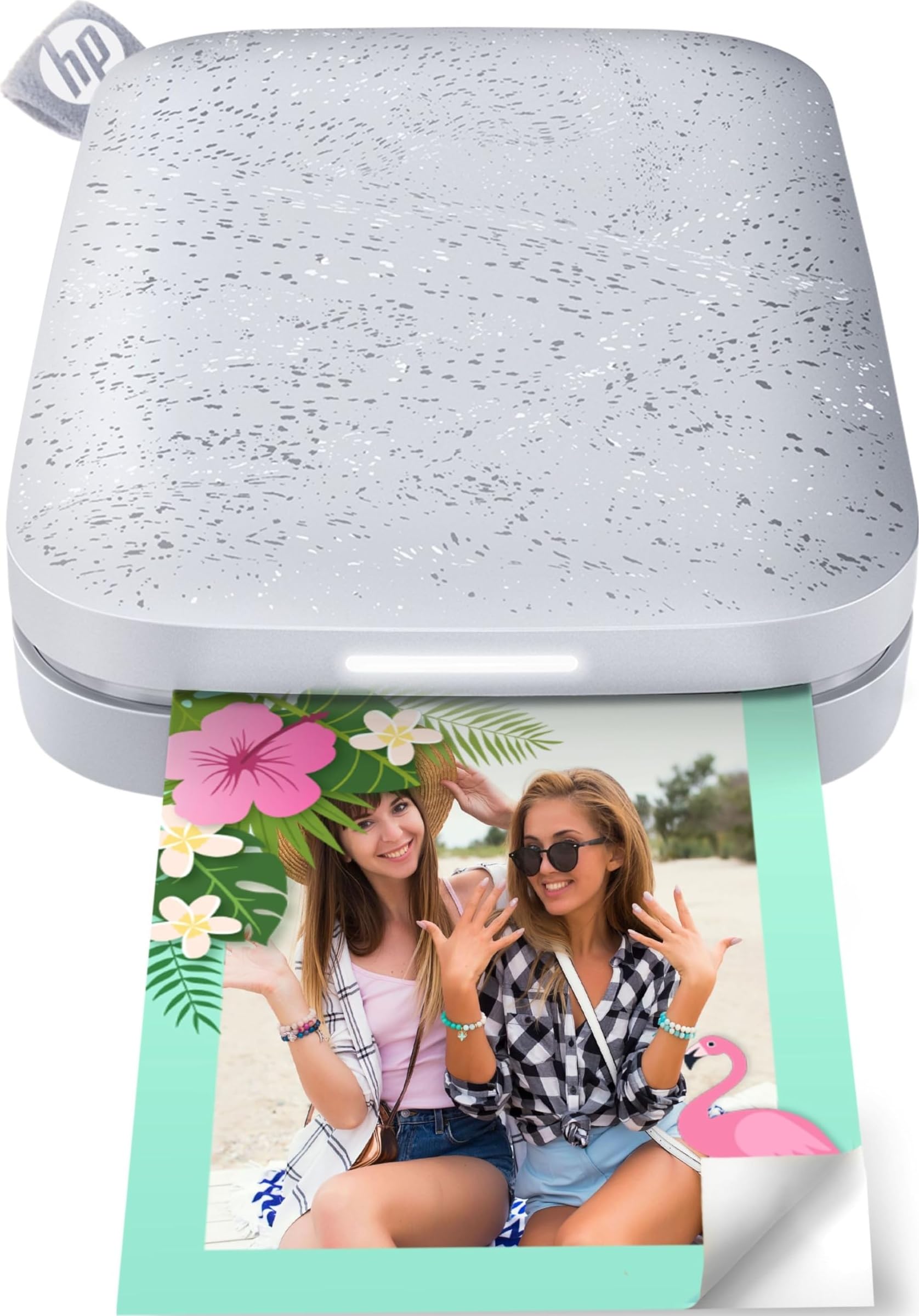
Choose the Sprocket 2nd Edition if shared printing from several phones and a visible print-status light are useful; choose KODAK Step if NFC pairing is valuable alongside Bluetooth.
- HP Sprocket 2nd Edition prints 2-by-3-inch sticky-backed photos and allows multiple devices to connect and print at the same time, with an LED indicating whose photo is printing.
- KODAK Step makes 2-by-3-inch sticky-backed ZINK prints and pairs with phones through Bluetooth or NFC.
Portable Photo Printers alternative
25,000+ ratings
Read Amazon ReviewsHP Sprocket Select
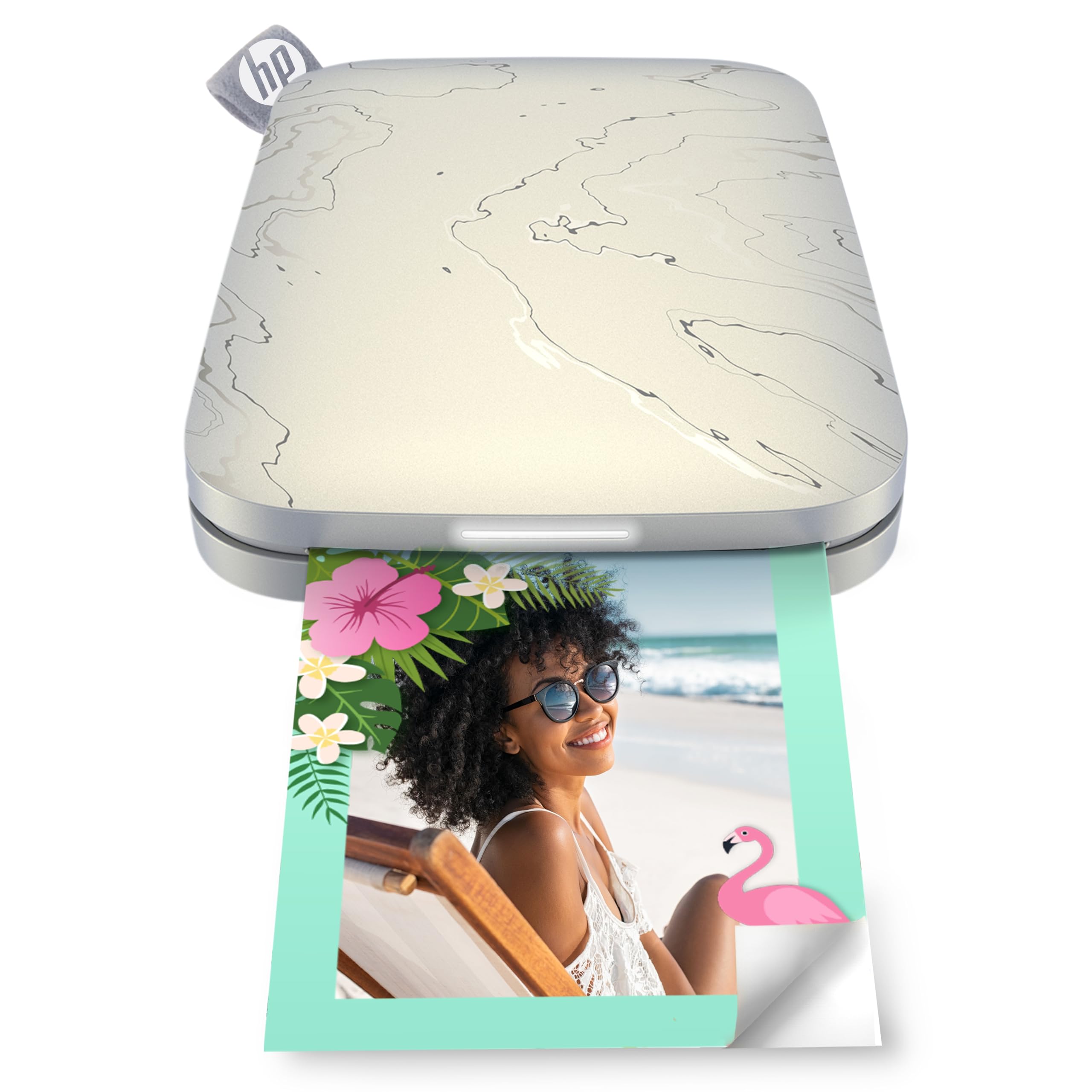
Choose HP Sprocket Select if you prefer larger prints and want app-based frames and filters; choose KODAK Step if the smaller 2-by-3-inch format better suits stickers and compact scrapbook photos.
- HP Sprocket Select prints larger 2.3-by-3.4-inch ZINK photos and includes frames and filters in the HP app.
- KODAK Step uses 2-by-3-inch sticky-backed ZINK paper for compact phone photos.
Is KODAK Step Worth It?
KODAK Step is worth considering for phone owners who want a genuinely portable printer for small, sticky-backed photos and enjoy personalizing prints in an app.
The combination of Bluetooth or NFC pairing, ZINK paper, and editing tools fits casual crafting and memory keeping.
Buy it with realistic expectations about scale and charge planning: the prints are 2 by 3 inches, and one full charge is specified for 25 photos.
If larger photos or longer sessions are central to your use, pick a printer whose format or battery capacity better matches those needs.
Your review at a glance
20,000+ ratings
Read Amazon ReviewsKODAK Step
A compact phone photo printer for scrapbookers, travelers, and anyone who wants small peel-and-stick prints with app-based editing.
- Prints 2-by-3-inch ZINK photos with sticky backs for decorating or crafting.
- Pairs with iOS and Android devices through Bluetooth or NFC.
- The KODAK app offers collages, filters, borders, stickers, and text customization.
- A built-in rechargeable lithium-ion battery is specified for 25 prints per full charge.